A place to record the options, barriers, and questions in a review.
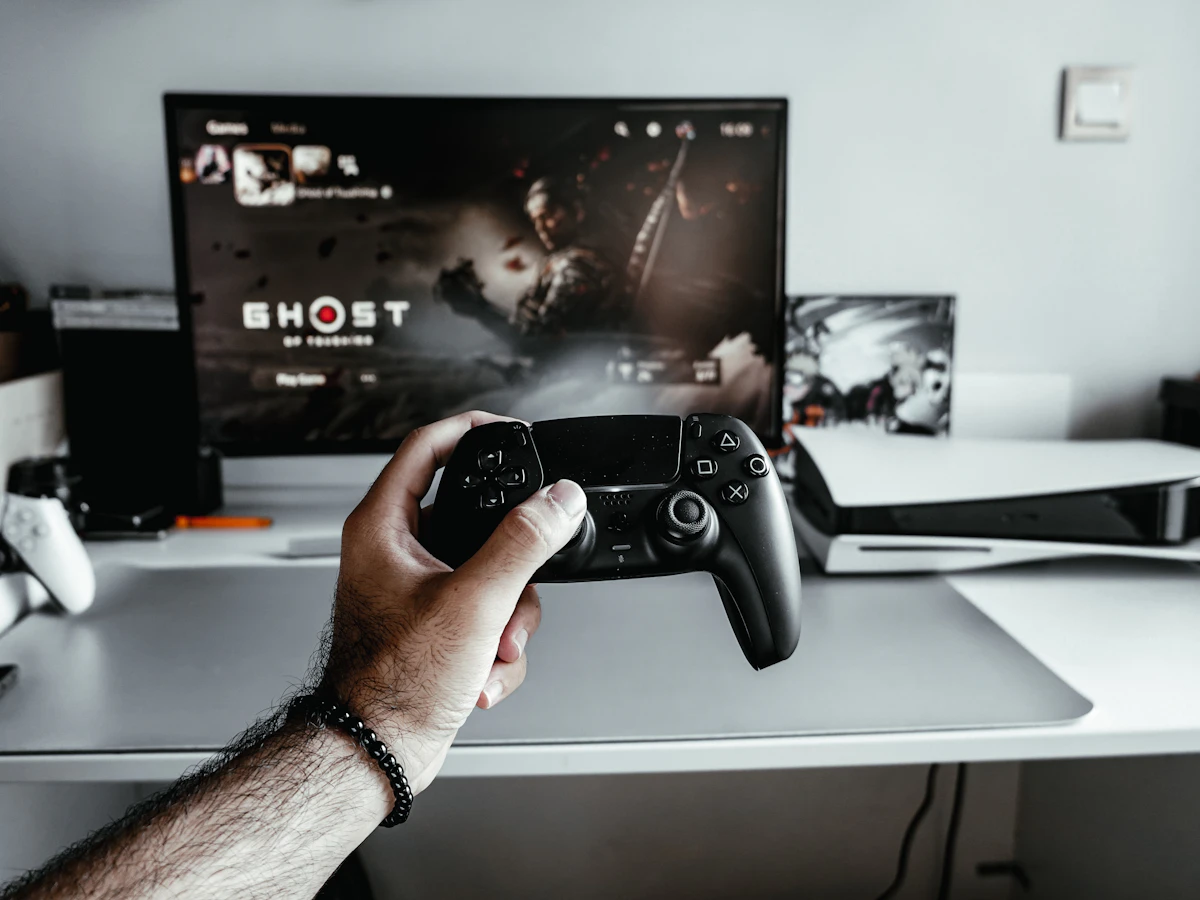
Editorial focus
Record accessibility settings actually tried.
Begin with the context
Explain who this story is for and the question it answers. Include the details a new reader needs, and distinguish your own observations from material supplied by another source.
Review notebook
Describe the experience
- Platform
- Tested platform
- Version
- Version & date
- Scope
- Time played
| Area | What to document |
|---|---|
| Controls | Remapping, input options and what you tried |
| Access | Settings and barriers you observed |
| Performance | Device, configuration and limitations |
| Experience | The part you can discuss without spoilers |
Open the spoiler discussion
Keep story-specific observations inside this clearly labeled section.
Make the useful part easy to find
The reference section below is deliberately structured for scanning, keyboard use and printing. Edit the labels and details to fit the real story rather than retaining irrelevant example fields.
Leave the reader with a next step
Link to a relevant topic, a dated source or a related story. Give collaborators proper credit and keep private or unverified information out of a public demonstration.
After hours
Your next session starts here.
Controllers, comfortable setups and the space around the game.
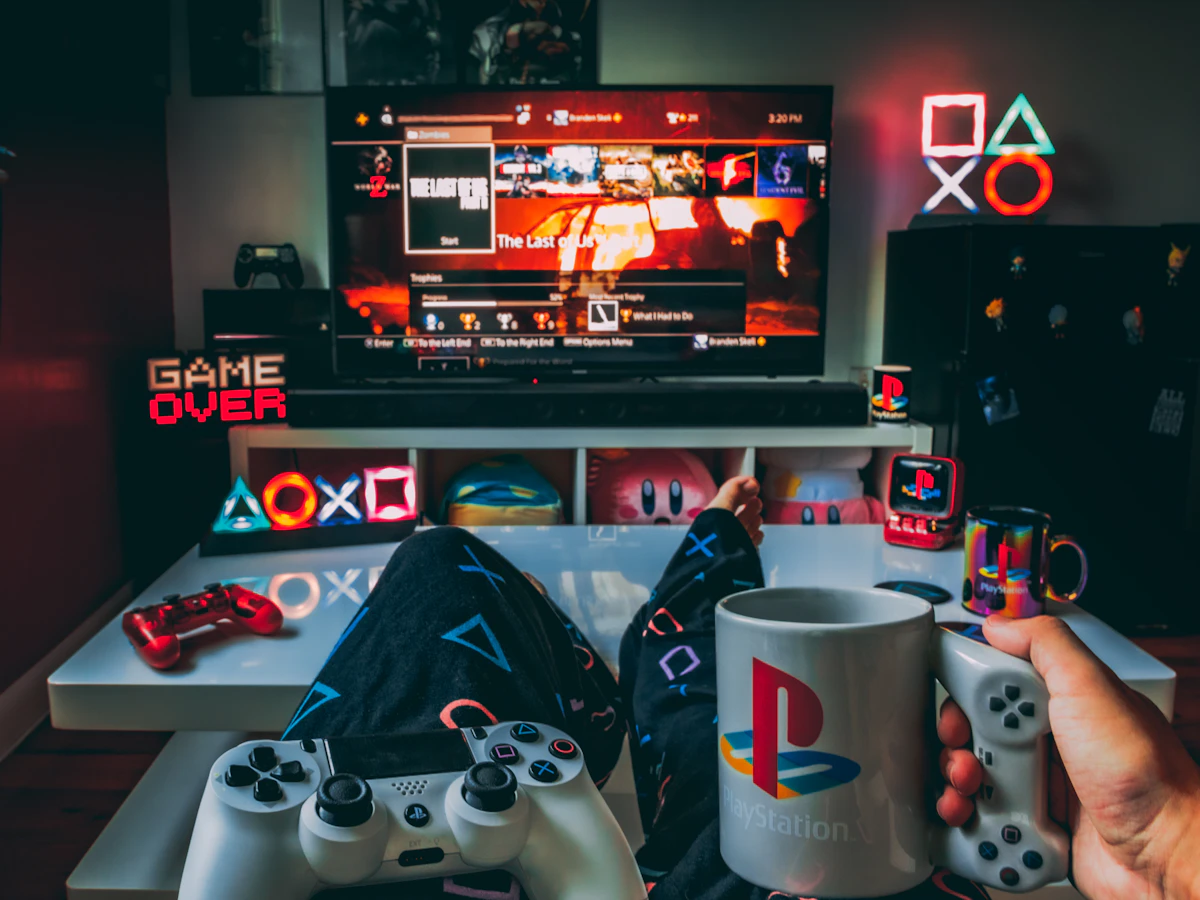

Illustrative photography, not evidence of the sample project, recipe or reported event.